
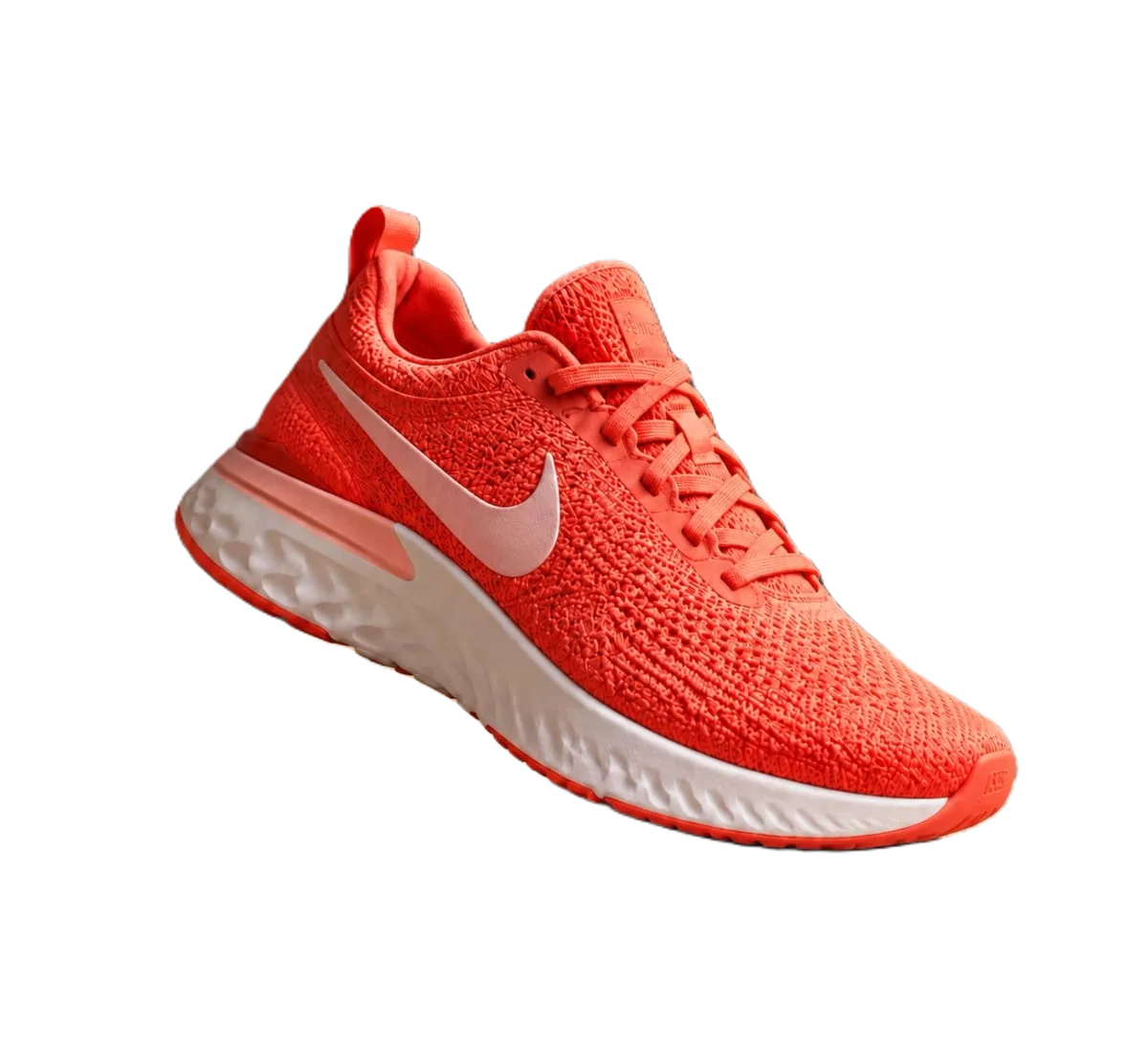
Make a transparent PNG from any photo
Most people looking for a PNG maker want one thing: a picture with no background, so it can sit on a slide, a website or a design. Converting a JPG to PNG doesn't do that on its own, because the background is still there. Remove the background, keep it transparent and download the PNG at the original size.
Developers: one API callor drop a file, paste image Ctrl/⌘+V or
Processed on our servers. Previews are deleted right after.
No image?
Try one of these:
seo.links.png-maker: at a glance
| Input | JPG, PNG or WebP, up to 25 MB |
|---|---|
| Output | Transparent PNG, or WebP for a smaller file on websites |
| Size | Up to the original resolution, no watermark |
| Converting alone | Saving a JPG as PNG keeps the background; it has to be removed |
| Price | 50 free credits for new accounts; 1 credit per image, HD in the editor 2; failed images are free |
seo.links.png-maker: step by step
- Upload the photoUse the largest version you have. A small image copied from a web page has soft edges, and the cutout can't add detail that isn't there.
- Keep the background transparentLeave the background setting on transparent. Zoom in on hair, handles and the inside of letters, where the old background is most likely to stay behind.
- Download the PNG and test itDownload PNG and place it on a dark page or a black slide. If the dark colour shows around the subject, the PNG is really transparent.
seo.links.png-maker: tips and common mistakes
- Beware of painted checkerboardsSome downloaded "transparent PNGs" have the grey and white checkerboard drawn into the pixels. Put the file on a coloured background to be sure.
- PNG for editing, WebP for the webPNG is lossless and opens everywhere, which suits slides and design tools. WebP keeps transparency in a much smaller file, which suits web pages.
- Add a colour when the destination needs oneSome marketplaces and upload forms turn transparent areas black or white. For those, choose the background colour yourself and export a JPG.
- Many photos at onceBulk turns up to 100 photos into transparent PNGs in one run and downloads them as a single ZIP, at 1 credit per image.
seo.links.png-maker: questions
Is this PNG maker free?
New accounts get 50 free credits, enough for dozens of PNGs. After that you buy credit packs; there is no subscription, and credits never expire.
Does converting a JPG to PNG make it transparent?
No. A JPG has no transparency, so a converted file keeps its background as solid pixels. The background has to be removed first.
Will the PNG have a watermark?
No. Downloads have no watermark, at every size.
How big can the PNG be?
Up to the original resolution of the photo you upload, for files up to 25 MB.
What happens to my photos?
They're used only to make your PNG and are deleted after 48 hours.
Try it on your own image
New accounts get 50 free credits. One credit per image, no subscription, and credits never expire.
Remove a backgroundSources
Updated November 13, 2026