
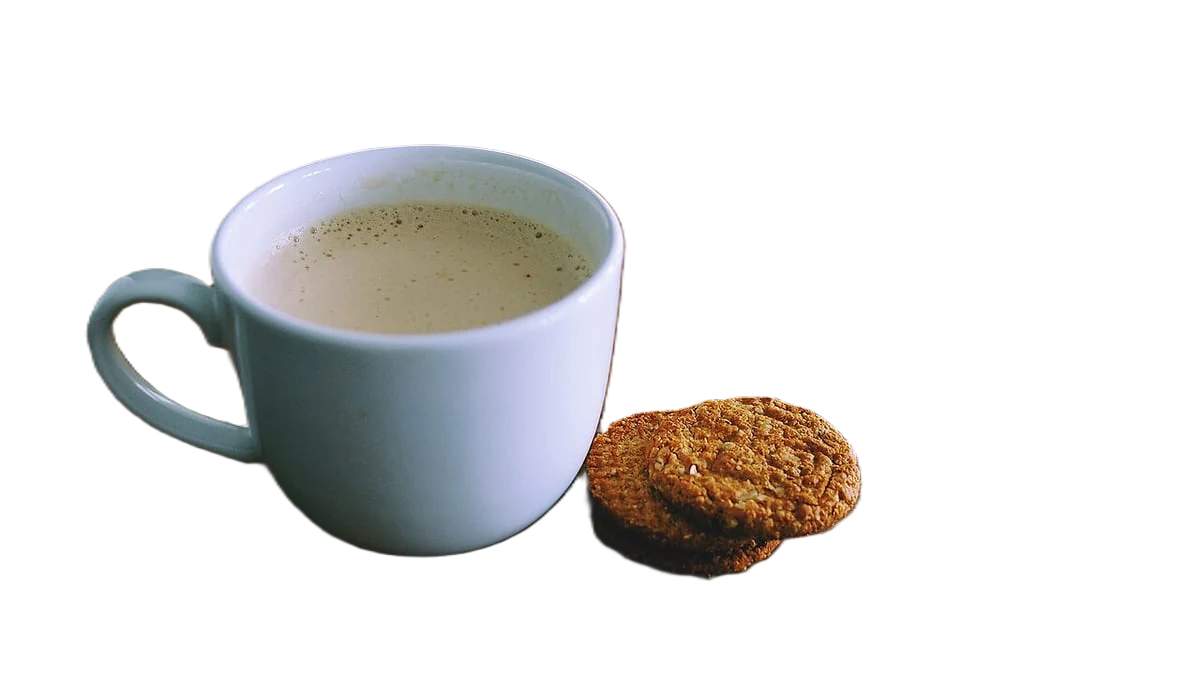
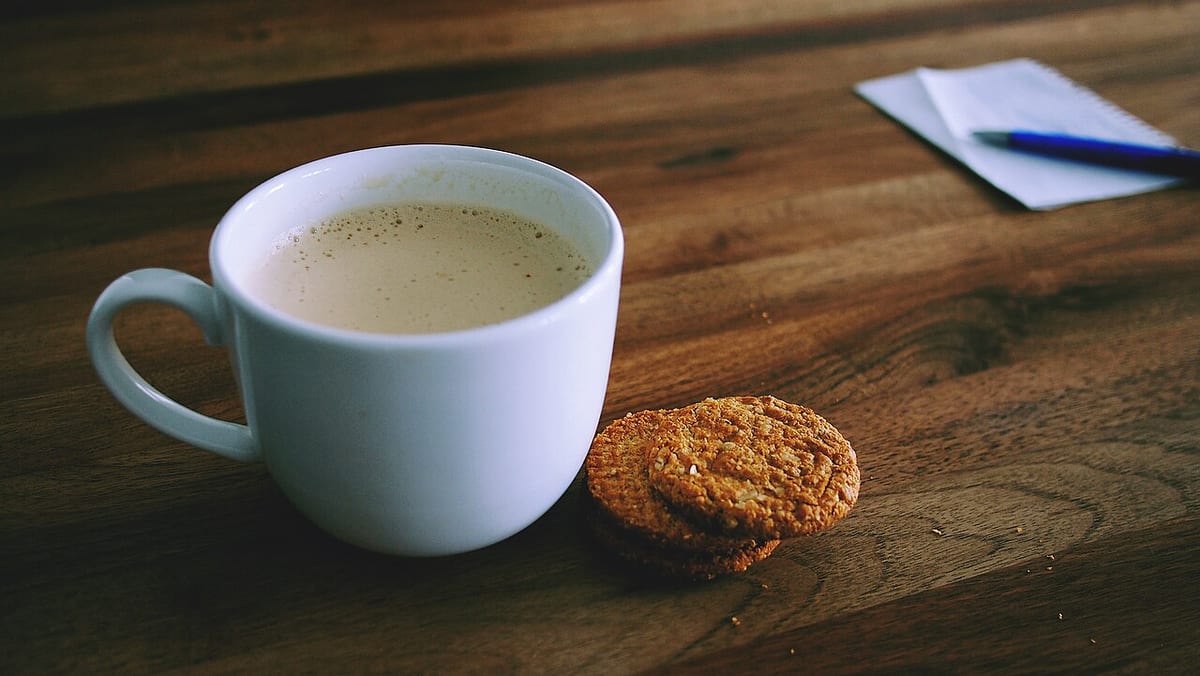
Remove the background for TikTok Shop product images
TikTok Shop's US listing policy says the main image must have a pure white background and show the front of the product. Every image must be at least 600 x 600 pixels, in colour, and free of added logos, text, borders, watermarks or graphics. You can upload up to 9 square images, and listings need five or more images of the main product to reach the Good quality tier.
Developers: one API callor drop a file, paste image Ctrl/⌘+V or
Processed on our servers. Previews are deleted right after.
No image?
Try one of these:
At a glance
| Main image | Pure white background, front view of the physical product |
|---|---|
| Size | At least 600 x 600 px for every product image |
| Images per listing | Up to 9 square images; 5 or more for the Good listing tier |
| Not allowed | Added logos, text, borders, watermarks, graphics over the product or background |
| Also not allowed | Placeholders, digital renderings, black-and-white images, repeated angles |
| Show only | What the customer will receive |
How to do it
- Upload a front-on photoPhotograph the front of the product, in colour, with the whole item in frame. Use the largest file you have (JPG, PNG or WebP up to 25 MB) so the square crop still clears 600 x 600 px with room to spare.
- Keep the white backgroundThe tool starts on #ffffff. Leave it there for the main image. Check reflective and transparent parts, such as bottles and phone cases, where the old background can show through.
- Download and crop squareDownload HD as a JPEG and crop to 1:1 with the product filling most of the frame. Use it as the first image, then add back, side, detail and in-use shots.
Tips and common mistakes
- One product, one variantTikTok Shop doesn't allow the main image to stage several product variants together. Show one colour or size on white and let buyers switch variants.
- Fill all the anglesAdditional images should show the front, back, sides and details, including accessories, and the same angle twice isn't allowed. A set of 5 to 9 different views reaches the Good tier.
- No stickers or promo textSale badges, "free shipping" banners and marketing stickers count as added text or graphics. Put offers in the listing and in your videos instead.
- Real photos beat rendersDigital renderings and placeholders aren't allowed. If you only have a 3D render from the factory, shoot a sample before you list.
- Sharp files onlyTikTok Shop flags fuzzy, corrupted and duplicate images. Shoot in good light and don't upscale a small photo to reach 600 px.
Questions
Does TikTok Shop require a white background?
Yes for the main image in the US: the product listing policy says it must have a pure white background and show the front of the product. Other images can show the product in use.
What size should TikTok Shop product images be?
Every product image must be at least 600 x 600 pixels, and listings take square images. Larger is fine: export from your full-size original rather than upscaling a small photo.
How many images can a TikTok Shop listing have?
Up to 9 square images. TikTok Shop's listing quality guide asks for five or more images of the main product for the Good tier.
Can I add my logo or text to TikTok Shop images?
No. Product images must not include added logos, text, borders, watermarks or graphics covering the product or in the background.
Can I use black-and-white or rendered images?
No. Images must be in colour, and placeholders and digital renderings of a product aren't allowed.
Try it on your own image
New accounts get 50 free credits. One credit per image, no subscription, and credits never expire.
Remove a backgroundSources
Updated October 24, 2026