
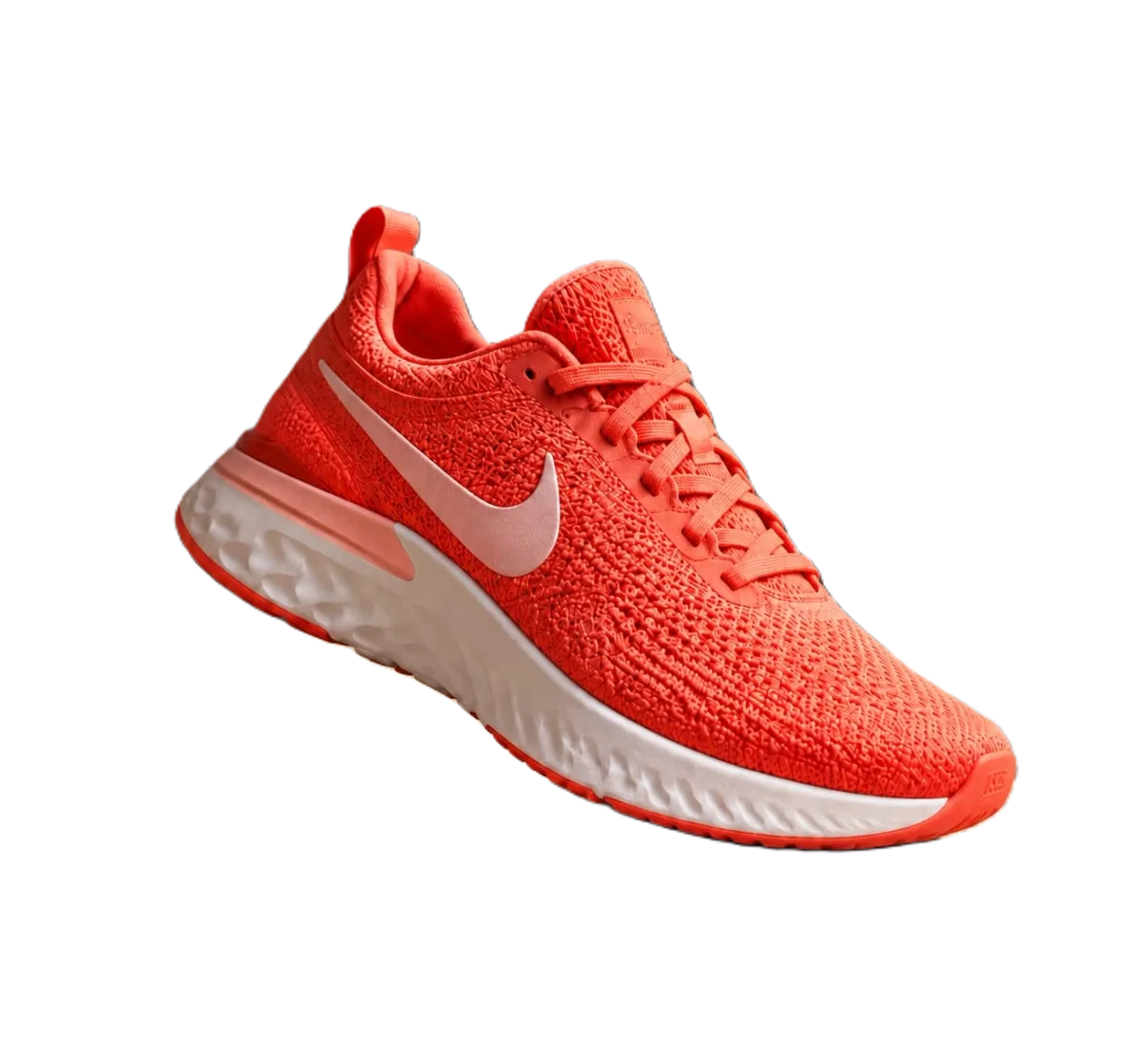
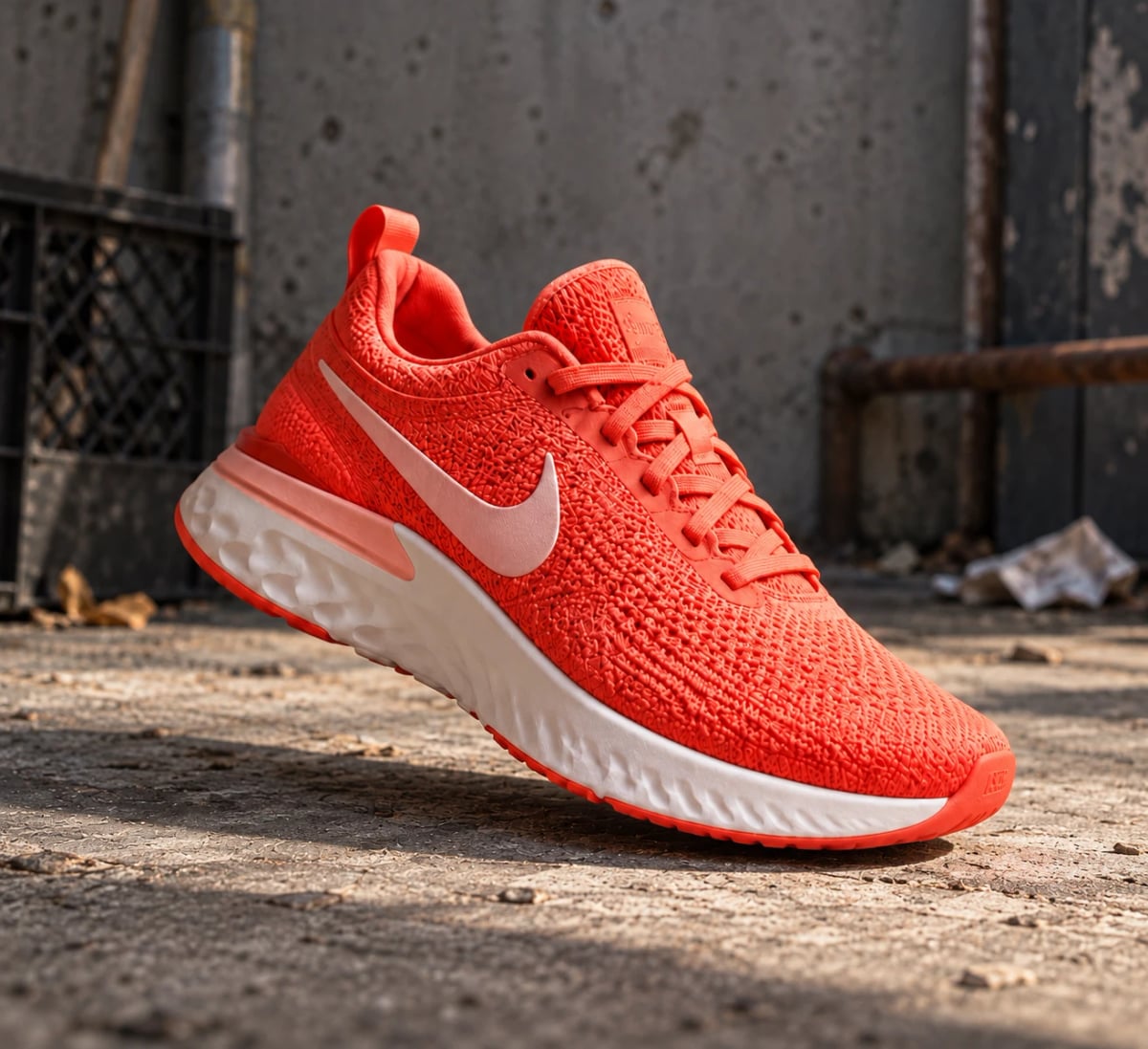
Remove the background from a whole product catalogue
Bulk takes up to 100 images per run. Drop a folder or paste image URLs, choose one setting for all of them (transparent, pure white or any colour, format and size), and download everything as a single ZIP. It runs on our servers, so you can close the tab and come back. Try one photo here first, then open Bulk.
Developers: one API callor drop a file, paste image Ctrl/⌘+V or
Processed on our servers. Previews are deleted right after.
No image?
Try one of these:
Bulk background remover: at a glance
| Per run | Up to 100 images; JPG, PNG or WebP up to 25 MB each |
|---|---|
| Input | Drop files or a whole folder, or paste image URLs, one per line |
| Output | PNG, JPG or WebP; transparent or one background colour for all images |
| Crop | Optional crop to the product, with an aspect ratio and padding |
| Download | One ZIP with every result; files are deleted after 48 hours |
| Price | 1 credit per image; failed images are free; credits never expire |
Bulk background remover: step by step
- Test one photoRemove the background from one typical product photo on this page and check the edges. It's the quickest way to see whether your photos need better light before you run the whole set.
- Open Bulk and drop the folderSign in, open Bulk and drop up to 100 images or a folder. Pick the output once for the whole run: transparent PNG, or a JPG on #ffffff for marketplace main images, and a size.
- Download the ZIPBulk processes the images in the background and shows each one's status. When the run is done, download the ZIP. Temporary errors are retried automatically; any image that still fails is listed and isn't charged.
Bulk background remover: tips and common mistakes
- Shoot the set the same waySame light, same distance and the same angle for every product make the results consistent. Bulk can then apply one setting to all of them without manual fixes.
- Use crop for a uniform gridCrop to the product with a square ratio and a little padding, and every product sits at the same size in your store's grid.
- Name files by SKUFiles in the ZIP keep their original names, so naming photos by SKU or handle before upload makes it easy to match them to listings.
- More than 100 photosSplit the catalogue into runs of 100. Or use the API to process images as part of your own import, at the same 1 credit per image.
Bulk background remover: questions
How many images can I process at once?
Up to 100 per run. Start another run for the next 100.
How much does bulk background removal cost?
1 credit per image. New accounts get 50 free credits, failed images are free, and credits never expire.
Can I get a white background on every image?
Yes. Choose JPG and a background colour such as #ffffff, and Bulk applies it to every image in the run.
Do I have to keep the tab open?
No. Bulk runs on our servers. You can close the tab and come back to the run later to download the ZIP.
Can I automate it?
Yes. The API removes backgrounds one image per request, and there's an n8n node and an MCP server for AI apps.
Try it on your own image
New accounts get 50 free credits. One credit per image, no subscription, and credits never expire.
Remove a backgroundSources
Updated October 26, 2026