
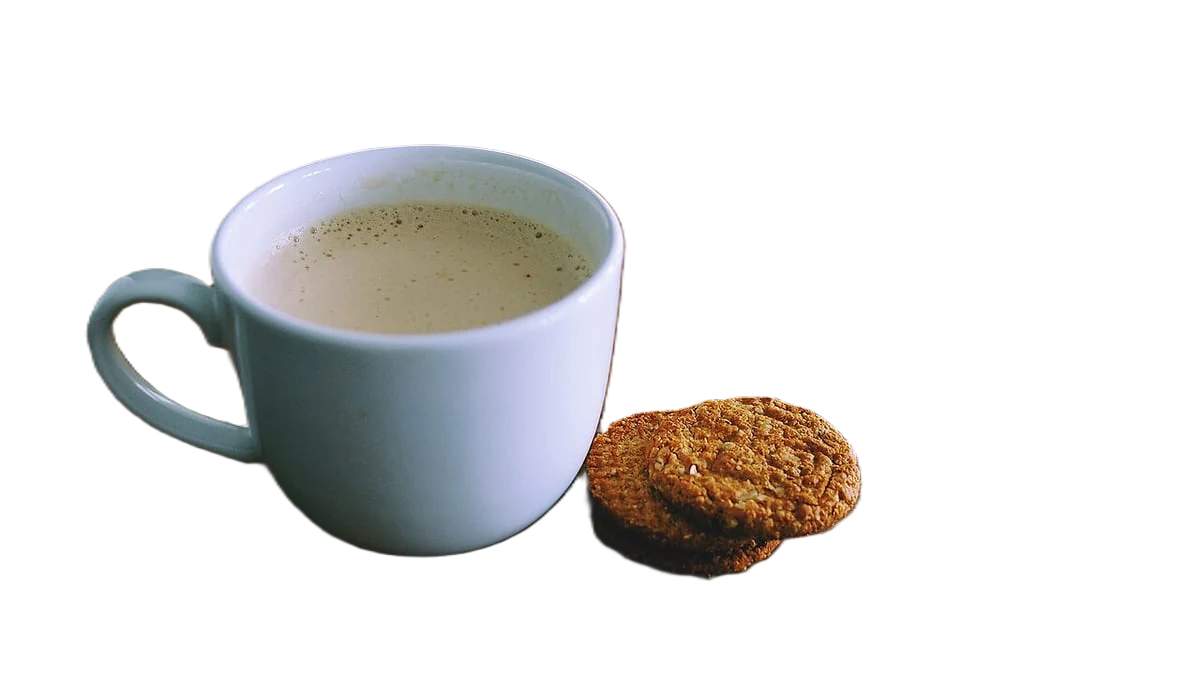
Remove the background for Facebook and Instagram ad creatives
A cutout lets you put one product photo on any brand colour and resize it for every Meta placement. Meta's ads guide recommends 4:5 at 1440 x 1800 pixels for Facebook and Instagram feeds, 9:16 at 1440 x 2560 for Stories, and 1:1 at 1080 x 1080 or more for carousel cards. Images are JPG or PNG, up to 30 MB.
Developers: one API callor drop a file, paste image Ctrl/⌘+V or
Processed on our servers. Previews are deleted right after.
No image?
Try one of these:
At a glance
| Feed (Facebook, Instagram) | 4:5, 1440 x 1800 px recommended |
|---|---|
| Stories | 9:16, 1440 x 2560 px recommended |
| Stories safe zones | Keep about 14% top, 35% bottom and 6% each side free of text and logos |
| Carousel cards | 1:1, at least 1080 x 1080 px, 2 to 10 cards |
| Minimum width | 600 px for Facebook Feed, 500 px for Instagram Feed and Stories |
| Files | JPG or PNG, up to 30 MB |
How to do it
- Cut out the product onceUpload the sharpest product or model photo you have (JPG, PNG or WebP up to 25 MB). The tool starts transparent: download the full-size PNG and keep it as the master for every ad size.
- Place it on your brand colourPick a solid brand colour in the tool, or place the transparent PNG on a background in your design app. Use the same colour across a campaign so the ads read as one set.
- Export one file per placementMake a 4:5 version at 1440 x 1800 px for feeds, a 9:16 version at 1440 x 2560 px for Stories and 1:1 at 1080 x 1080 px or more for carousels. Reposition the product for each rather than letting Meta crop it.
Tips and common mistakes
- Design for the Stories safe zonesMeta's interface covers the top and bottom of Stories ads. Keep the product, logo and any text inside the middle area, clear of the top 14% and bottom 35%.
- Flatten before uploadingExport the final ad on a solid background as JPG or PNG. Don't rely on transparency in an ad file: you decide the background, not the placement.
- Test backgrounds, not just copyWith a cutout, the same product on three brand colours is three creatives for the price of one photo. Run them as variations and keep the winner.
- Make carousel cards line upUse the same crop and product size on every card. Cutouts on one colour make 2 to 10 cards look like a set rather than a mix of shoots.
- Process a whole range at onceBulk upload cuts out up to 100 images per batch, with one background colour and crop for all of them. The API can do the same for every new product.
Questions
What size should a Facebook or Instagram feed ad image be?
Meta recommends 4:5 at 1440 x 1800 pixels for both feeds. Facebook Feed needs at least 600 px wide and 750 px tall for 4:5; Instagram Feed needs at least 500 px wide.
What size should a Stories ad image be?
9:16 at 1440 x 2560 pixels, with a minimum width of 500 px. Keep about 14% of the top, 35% of the bottom and 6% of each side free of text and logos.
What size are carousel ad images?
1:1 at 1080 x 1080 pixels or more for Facebook Feed carousels, with 2 to 10 cards.
What file types can I use for Meta image ads?
JPG or PNG, up to 30 MB per image.
Why remove the background for an ad instead of using the original photo?
A cutout can be placed on any colour and repositioned for each aspect ratio, so one product photo gives you feed, Stories and carousel versions without reshooting.
Try it on your own image
New accounts get 50 free credits. One credit per image, no subscription, and credits never expire.
Remove a backgroundSources
Updated October 24, 2026