
Change the background of a product photo
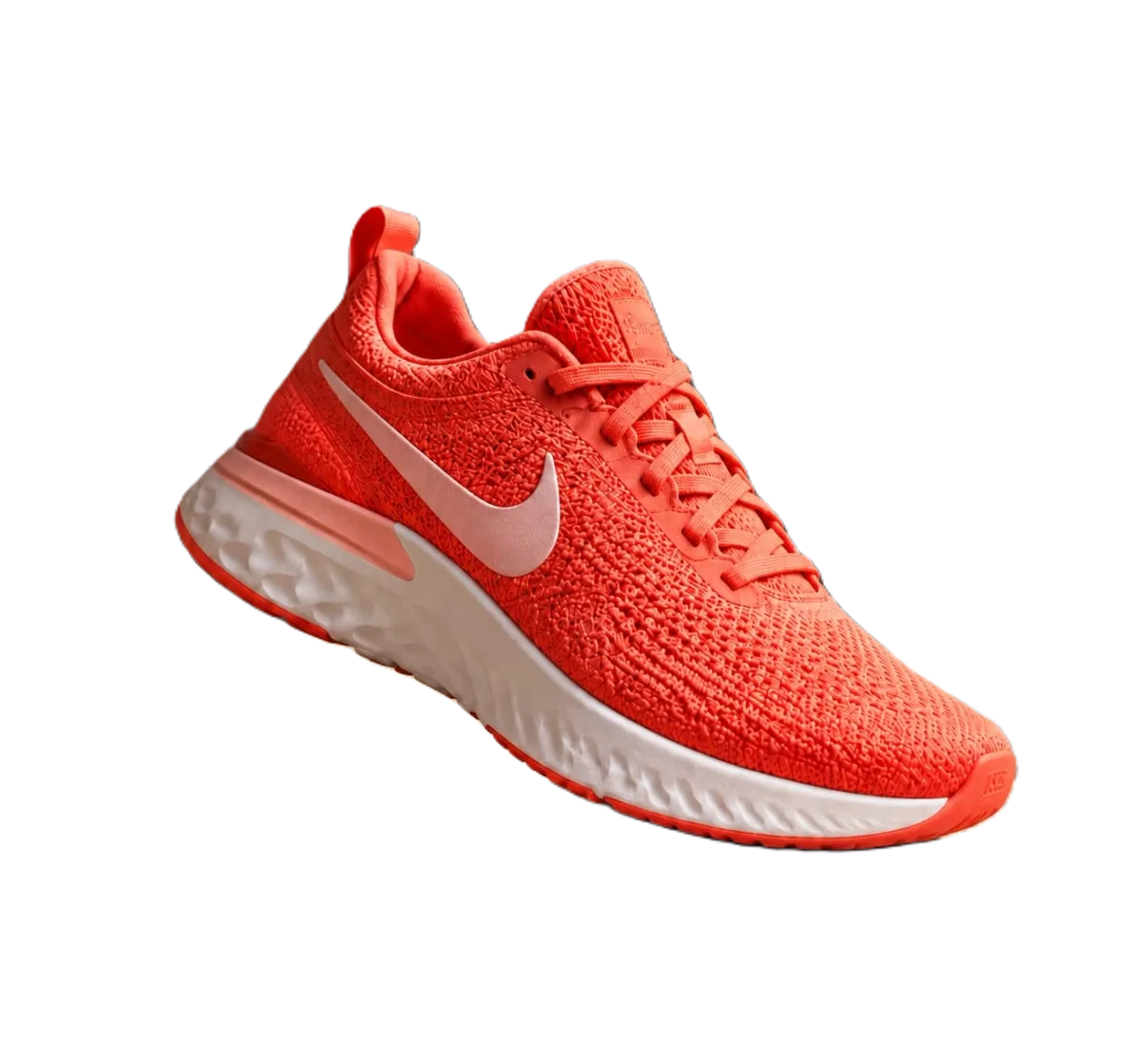
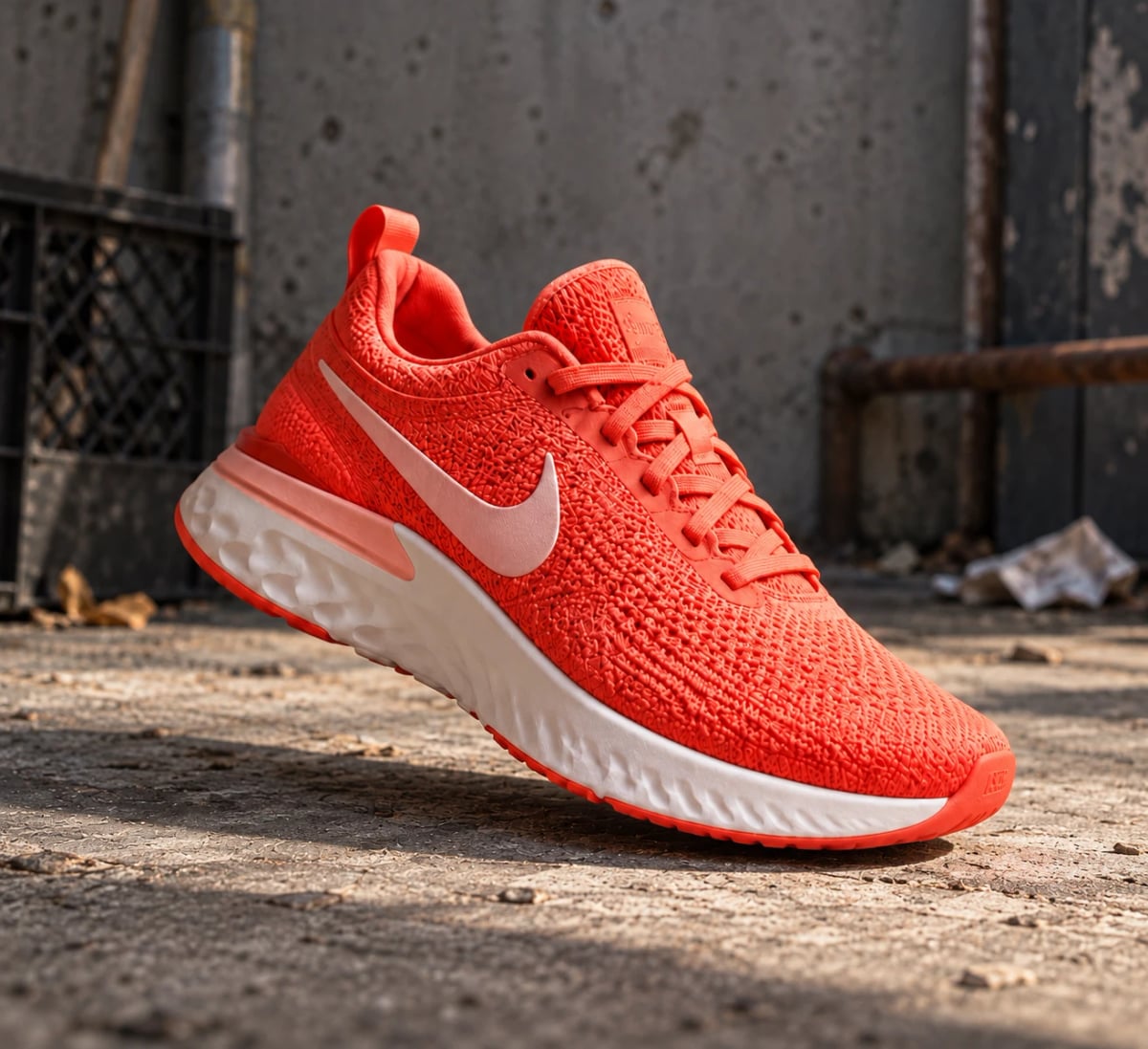
Remove the old background and put the product on a solid colour: pure white for marketplace main images, or a light brand colour for your own store, ads and social posts. Pick the colour by hex code so every photo in the set matches, then export a JPG. The product itself keeps its own colours and edges.
Developers: one API callor drop a file, paste image Ctrl/⌘+V or
Processed on our servers. Previews are deleted right after.
No image?
Try one of these:
Background changer: at a glance
| Background options | Any solid colour by hex code (#ffffff, #f1ede6), or transparent |
|---|---|
| Formats | JPG for a colour background, PNG or WebP to keep transparency |
| Amazon main image | Pure white, RGB 255, 255, 255; colour backgrounds only on the other images |
| Google Merchant Center | No borders or watermarks; at least 500 x 500 px |
| Shopify | Suggests a pure white background to keep the product the focus |
| Whole catalogue | Bulk applies one background colour to up to 100 images per run |
Background changer: step by step
- Upload the product photoUse the full-size original with the whole product in frame and in focus. Even light from both sides gives cleaner edges than a single lamp.
- Pick the background colourThis page starts with a warm light grey. Type a hex code to match your brand or store theme, or choose #ffffff for marketplace main images. Check the edges at full zoom on the new colour.
- Export a JPGJPG is the right format for a solid background: there is no transparency to keep, and the file is smaller than PNG. Use the same hex code for every photo in the listing so the set looks like one shoot.
Background changer: tips and common mistakes
- Light, low-saturation colours sell better than loud onesA pale grey, cream or soft brand tint keeps attention on the product. Strong colours cast a visual tint onto white or metallic products and can make colours look off.
- Keep white for the main marketplace imageAmazon requires pure white on the main image. Use a colour background on lifestyle and detail images, on your own store and in ads, where the rules are looser.
- Match the colour to the product, not just the brandDark products read well on light backgrounds and light products on mid-tones. If a white sneaker disappears on cream, move the background a few shades darker.
- One hex code per collectionWrite the hex code down and reuse it. Small differences such as #f1ede6 against #f3efe8 show up clearly when photos sit side by side on a collection page.
- Solid colours onlyremovebackground.dev puts the product on a flat colour. It doesn't generate scenes or AI backgrounds, so what buyers see is the real product.
Background changer: questions
Can I change the background to a colour other than white?
Yes. Enter any hex colour, for example #f1ede6 or your brand colour, and download a JPG. Choose transparent instead to download a PNG or WebP.
Does Amazon accept coloured backgrounds?
Not on the main image, which must be pure white (RGB 255, 255, 255). Other images can use colour or lifestyle backgrounds.
Can I change the background of many photos at once?
Yes. Bulk takes up to 100 images per run and applies the same background colour, format and size to all of them, at 1 credit per image.
Can it put my product in a scene, like a kitchen or a beach?
No. It removes the background and replaces it with a solid colour or transparency. For a scene, place the transparent PNG on your own photo in a design tool.
Which format should I download?
JPG for a colour background. PNG or WebP only when you need the background to stay transparent.
Try it on your own image
New accounts get 50 free credits. One credit per image, no subscription, and credits never expire.
Remove a backgroundSources
Updated October 26, 2026