
Make stickers from your photos
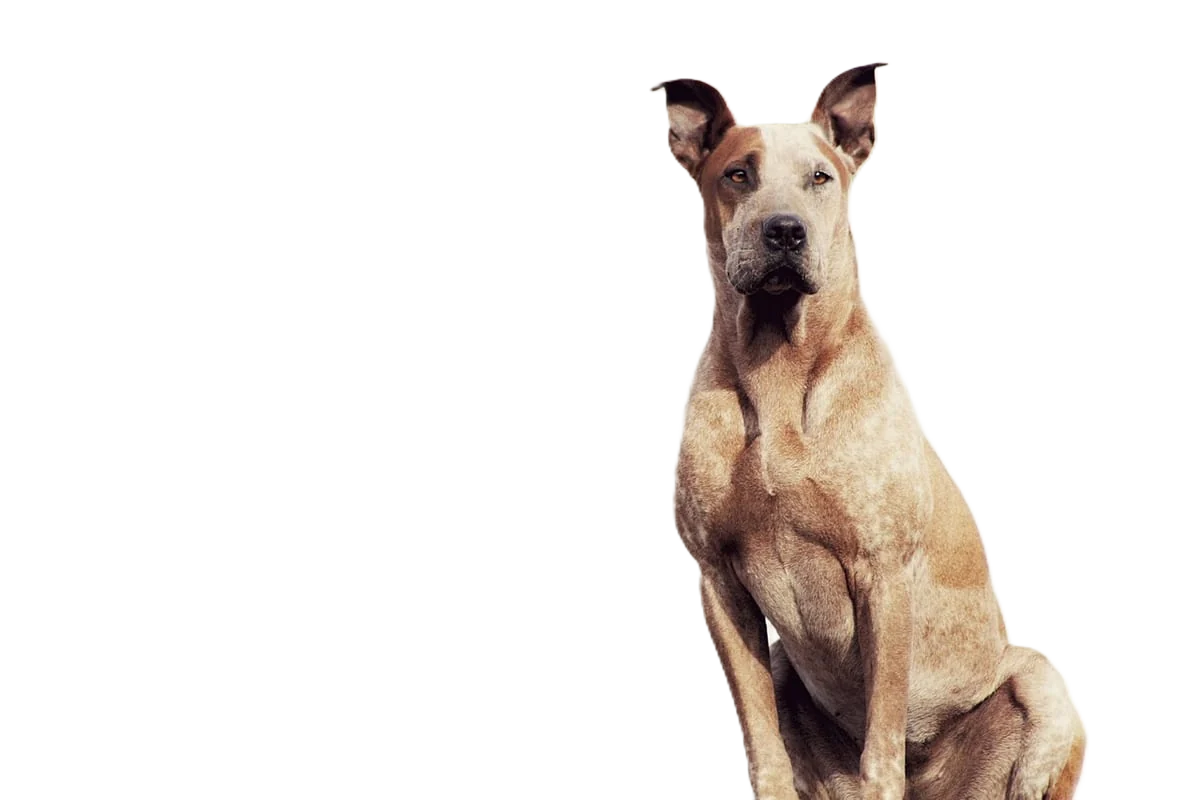
A sticker is a cutout on a transparent background, sized exactly for the app. WhatsApp wants 512 x 512 px WebP under 100 KB, Telegram PNG or WebP with one side exactly 512 px, Discord 320 x 320 px PNG under 512 KB, and iMessage sticker apps PNG, APNG, GIF or JPEG under 500 KB. Cut the subject out, add a white outline, then resize and export for each app.
Developers: one API callor drop a file, paste image Ctrl/⌘+V or
Processed on our servers. Previews are deleted right after.
No image?
Try one of these:
At a glance
| Exactly 512 x 512 px, WebP, transparent background, 100 KB max per static sticker; 3 to 30 stickers per pack | |
| WhatsApp tray icon | 96 x 96 px, static, 50 KB max |
| Telegram | PNG or WebP, one side exactly 512 px and the other 512 px or less; custom emoji 100 x 100 px |
| Discord | Exactly 320 x 320 px, PNG (APNG for animated), 512 KB max; needs a boosted server |
| iMessage sticker apps | PNG, APNG, GIF or JPEG under 500 KB; small 300 x 300, regular 408 x 408, large 618 x 618 px |
How to do it
- Pick a photo with one clear subjectStickers are seen small, so choose a photo with one person, pet or object, a strong expression or pose, and nothing important cut off by the frame. Sharp edges matter more than resolution here.
- Remove the backgroundRemove the background and download a transparent PNG at full size. Check the edges at 100% zoom: leftover background shows clearly once the sticker sits on a dark chat theme.
- Outline, resize and export per appIn your editor, add a white stroke around the cutout, then fit it on a square canvas: 512 x 512 px for WhatsApp and Telegram, 320 x 320 px for Discord. Export WebP for WhatsApp, PNG for Discord, and PNG or WebP for Telegram, and check each file size against the limit.
Tips and common mistakes
- Why the white outlineStickers appear on white, black, coloured and patterned chat backgrounds. WhatsApp recommends an 8 px white (#FFFFFF) stroke around each sticker, and Telegram suggests a white stroke and a black shadow so stickers stand out.
- Fill the canvasDiscord renders stickers at 160 x 160 dp in desktop chat and advises letting the sticker take up as much of the canvas as possible. Leave only a small margin so the outline isn't clipped.
- Hitting 100 KB for WhatsAppA detailed photo sticker as WebP can go over 100 KB. Lower the WebP quality a little, simplify the background details you kept, or reduce colours before converting. Keep transparency on when converting.
- iPhone users can skip the exportOn iOS 17 or later, Messages can lift a subject from your photo and save it as a sticker directly. Use a separate cutout when you want an outline you control or the same sticker on other apps.
- Transparent or it's a squareIf a sticker shows a white or black box in the chat, the file was saved without transparency, usually as JPG. Export PNG or WebP from the transparent cutout.
Questions
What size are WhatsApp stickers?
Exactly 512 x 512 px in WebP, with a transparent background and 100 KB at most for a static sticker. A pack needs 3 to 30 stickers and a 96 x 96 px tray icon.
What size are Telegram stickers?
PNG or WebP with one side exactly 512 px and the other 512 px or less. Custom emoji are 100 x 100 px.
What are the Discord sticker requirements?
Exactly 320 x 320 px, PNG for static or APNG for animated, up to 512 KB. Server admins upload them under Server Settings > Stickers once the server is boosted.
What size are iMessage stickers?
For sticker apps, Apple asks for @3x images: 300 x 300 px small, 408 x 408 px regular, 618 x 618 px large, under 500 KB as PNG, APNG, GIF or JPEG.
Why does my sticker have a white box around it?
The background wasn't transparent, often because the file was saved as JPG, which can't store transparency. Re-export as PNG or WebP.
Try it on your own image
New accounts get 50 free credits. One credit per image, no subscription, and credits never expire.
Remove a backgroundSources
- WhatsApp on GitHub: Sticker app requirements (WhatsApp/stickers)
- Telegram: Stickers and custom emoji
- Discord Support: Tips for Sticker Creators FAQ
- Apple Developer: MSSticker init(contentsOfFileURL:localizedDescription:)
- Apple Developer: MSStickerSize
- Apple Support: Send stickers in Messages on iPhone
- Apple Support: Use stickers in Messages on Mac
Updated October 23, 2026