
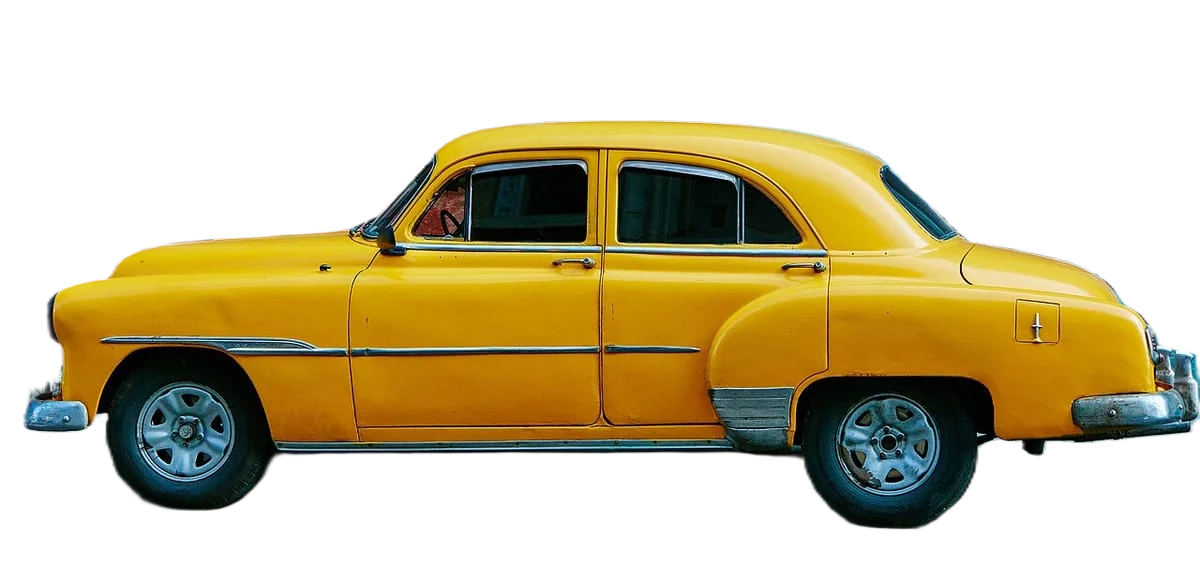
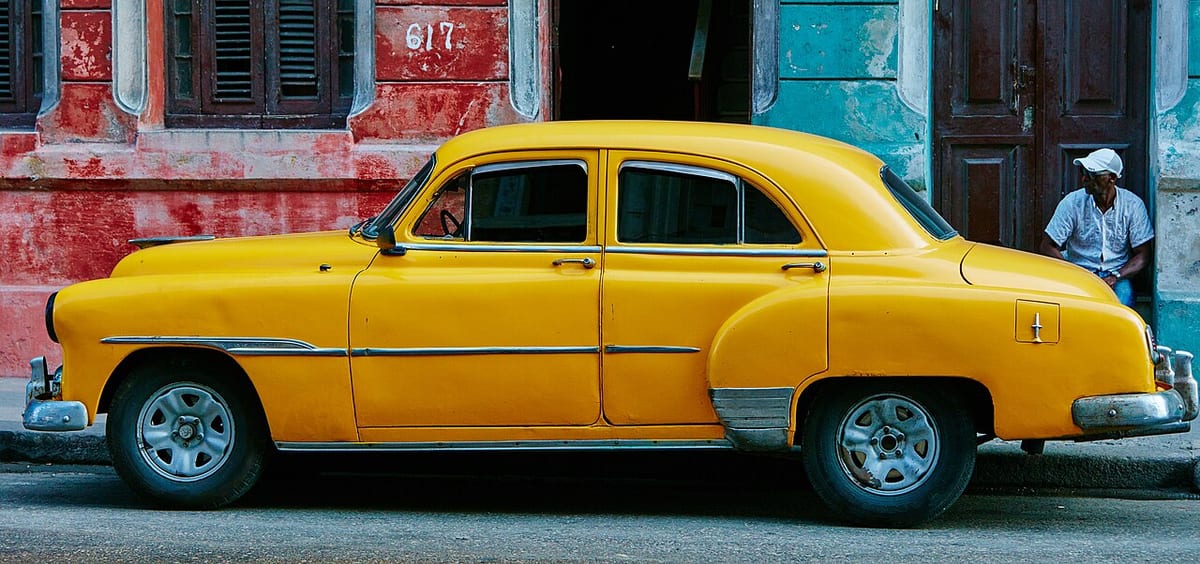
Remove the background from car photos
Google vehicle ads disapprove photos with watermarks, superimposed logos or text, placeholders, or a car cut off at the edge. Google recommends a 4:3 main image taken from the front-to-side angle, about 45 degrees, and says clean images with minimal background perform best. Removing the lot behind each car gives every listing that look without moving cars into a studio.
Developers: one API callor drop a file, paste image Ctrl/⌘+V or
Processed on our servers. Previews are deleted right after.
No image?
Try one of these:
At a glance
| Main image angle | Front-to-side, about 45 degrees; rear views go in additional images |
|---|---|
| Aspect ratio | 4:3 recommended |
| Size | At least 500 x 500 px, 1500 x 1500 or more recommended; up to 16 MB and 64 megapixels |
| Formats | JPEG, PNG, GIF, BMP, TIFF or WebP |
| Disapproved | Watermarks, superimposed logos or text, placeholders, a truncated vehicle |
| Discouraged | Cluttered backgrounds, branding in the background, a modified licence plate |
How to do it
- Upload the car photoUse a shot of the whole car from the front three-quarter angle, with bumpers, mirrors and wheels inside the frame. Shoot every car from the same height and distance so the cutouts line up.
- Replace the lotThe tool starts transparent. Keep it for placing the car on your own branded backdrop, or pick a solid light grey or white. Check the windows: the old lot can show through the glass.
- Download and crop to 4:3Download HD or full size, JPEG for a solid colour or PNG for transparent. Crop to 4:3, for example 2000 x 1500 px, with a little margin so no part of the car is cut off.
Tips and common mistakes
- Use one angle set for every carLead with the 45 degree front view, then side, rear and interior in the same order on every listing. Google says not to use a rear view as the main image.
- Don't cut off the carGoogle disapproves truncated vehicle images. Tight crops that clip a bumper or mirror are the usual cause.
- Keep logos off the photoDealer logos, price banners and watermarks on the image get feed photos disapproved. Put your branding in the listing text, not on the car photo.
- Leave the plate alone for GoogleGoogle lists a modified licence plate as discouraged. If a site you list on asks for hidden plates, make a separate version for that site.
- Add a ground shadowWithout the lot, a car can look like it floats. A soft shadow under the tyres, the same on every car, keeps it grounded.
- Stock photos only for new carsGoogle allows stock images only for new cars of the same make, model and colour. Used cars need photos of the actual vehicle.
Questions
What angle should the main car listing photo be?
Google recommends a front-to-side angle of about 45 degrees for the main image, and says not to use a rear view as the main image.
What size should car listing photos be?
For Google vehicle ads, at least 500 x 500 pixels, with 1500 x 1500 or more recommended, a 4:3 ratio, and files up to 16 MB. A 2000 x 1500 px image meets all of these.
Can I add my dealership logo or a watermark to car photos?
Not for Google vehicle ads: overlaid watermarks and superimposed logos or text get images disapproved. Logos in the background are also discouraged.
Should I blur the licence plate in car photos?
Google lists a modified licence plate as discouraged in vehicle ad images. Other sites have their own rules, so check each one and make separate versions if needed.
Can I use stock photos for car listings?
Google allows stock images only for new cars, and only when they show the same make, model and colour as the car listed.
How do I process photos for a whole lot of cars?
Bulk upload handles up to 100 photos at a time. For a daily inventory feed, the API or the n8n node can process new photos as they come in.
Try it on your own image
New accounts get 50 free credits. One credit per image, no subscription, and credits never expire.
Remove a backgroundSources
Updated October 23, 2026