
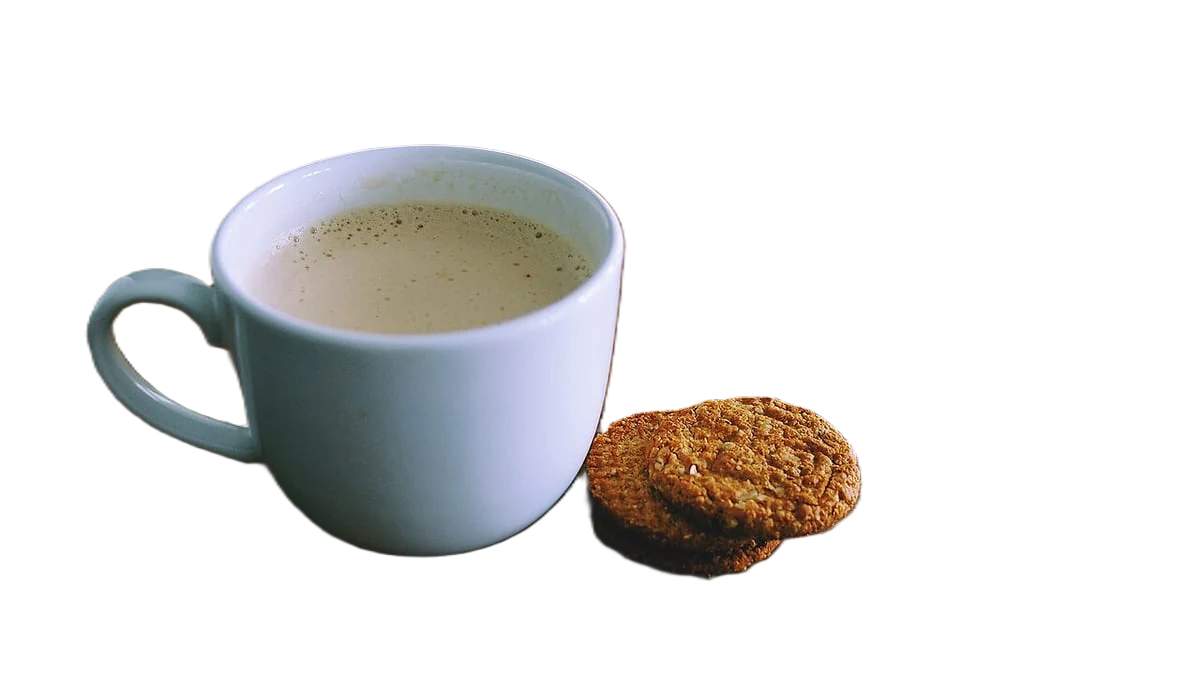
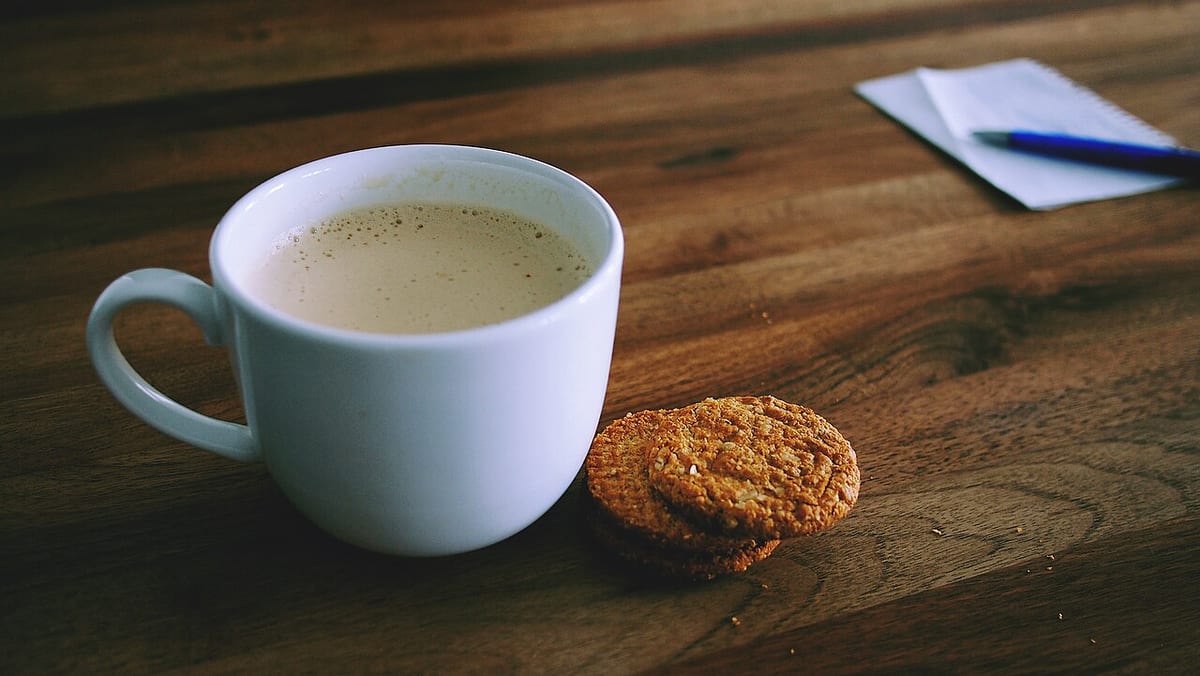
Remove the background from food photos
Check the platform before you remove the background from a food photo. DoorDash rejects menu photos with transparent or unnatural white backgrounds, and with creative backgrounds photoshopped in. Uber Eats item photos must show one dish, centred, with no added text. Cutouts do suit packaged goods in an Uber Eats store catalogue, which asks for a clean white background, and your own menus, flyers and website.
Developers: one API callor drop a file, paste image Ctrl/⌘+V or
Processed on our servers. Previews are deleted right after.
No image?
Try one of these:
At a glance
| DoorDash menu photos | Landscape 16:9, at least 1400 x 800 px; no transparent, unnatural white or photoshopped backgrounds |
|---|---|
| DoorDash content | One item per photo unless sold together; no added text, borders, watermarks or stock photos |
| Uber Eats item photos | One item, centred; 5:4 to 6:4; 550 to 10,000 px wide, 440 to 10,000 px tall; JPG, PNG or GIF up to 10 MB |
| Uber Eats rules | No added text, logos or watermarks; no people except hands; no dirty surfaces or used cutlery |
| Uber Eats store catalogue | Clean white background, one centred item unless it's a pack; 320 to 6000 px; up to 10 MB |
| Your own menus and site | No platform rules; transparent cutouts place dishes on any layout |
How to do it
- Upload a photo of the real dish or packShoot in soft daylight from the angle that shows the food best: overhead for pizza and bowls, about 45 degrees for burgers, sandwiches and drinks. Shoot the plate with the food, not the food alone.
- Pick the background for where it goesThe tool starts transparent, which suits menu boards, flyers and your website. Choose white for packaged goods in a store catalogue. For DoorDash and Uber Eats menu items, keep the original table instead of removing it.
- Download at the platform's shapeDownload HD as a JPG on a solid colour or a PNG for transparency. Crop to the shape where it will appear: 16:9 for DoorDash, 5:4 for Uber Eats items, square for most social posts.
Tips and common mistakes
- Keep the real table for delivery appsDoorDash says images must look exactly as photographed and rejects photoshopped backgrounds. Shoot on a clean, simple table and keep it.
- Cut out the plate, not the foodFood edges such as crumbs, herbs, sauce drips and steam are hard to cut cleanly. Keeping the plate or bowl in the cutout gives a crisp outline.
- Steam won't surviveSteam and smoke are partly transparent and are usually removed with the background. If they matter to the shot, keep the original photo.
- Packaged goods are the easy caseBoxes, bottles and jars cut out cleanly. Uber Eats store catalogue photos want a clean white background and a single centred item, unless the item is a pack.
- Shoot the whole menu in one sessionSame plates, same light, same angle and same crop for every dish make a menu or website look planned. Batch the cutouts afterwards.
Questions
Can I remove the background from DoorDash menu photos?
Not as a rule. DoorDash rejects transparent backgrounds, white backgrounds that don't look natural, and creative backgrounds photoshopped onto a photo. Shoot the dish on a simple real surface instead.
What size should Uber Eats menu photos be?
Item photos should be 550 to 10,000 pixels wide and 440 to 10,000 pixels tall, between 5:4 and 6:4, as JPG, PNG or GIF up to 10 MB. Uber Eats store catalogue photos are 320 to 6000 pixels on each side.
What size should DoorDash menu photos be?
Landscape 16:9 at a minimum of 1400 x 800 pixels. DoorDash does not accept vertical or square menu photos, and asks you not to enlarge small images to reach the minimum.
Where do food cutouts work well?
Printed menus, menu boards, flyers, your website, social posts and catalogues of packaged goods. Those are your own layouts, or platforms like the Uber Eats store catalogue that ask for white.
Can I process a whole menu at once?
Yes. Bulk upload handles up to 100 photos at a time. Each image costs 1 credit (HD in the web editor: 2), and failed images are free.
Try it on your own image
New accounts get 50 free credits. One credit per image, no subscription, and credits never expire.
Remove a backgroundSources
Updated October 24, 2026