
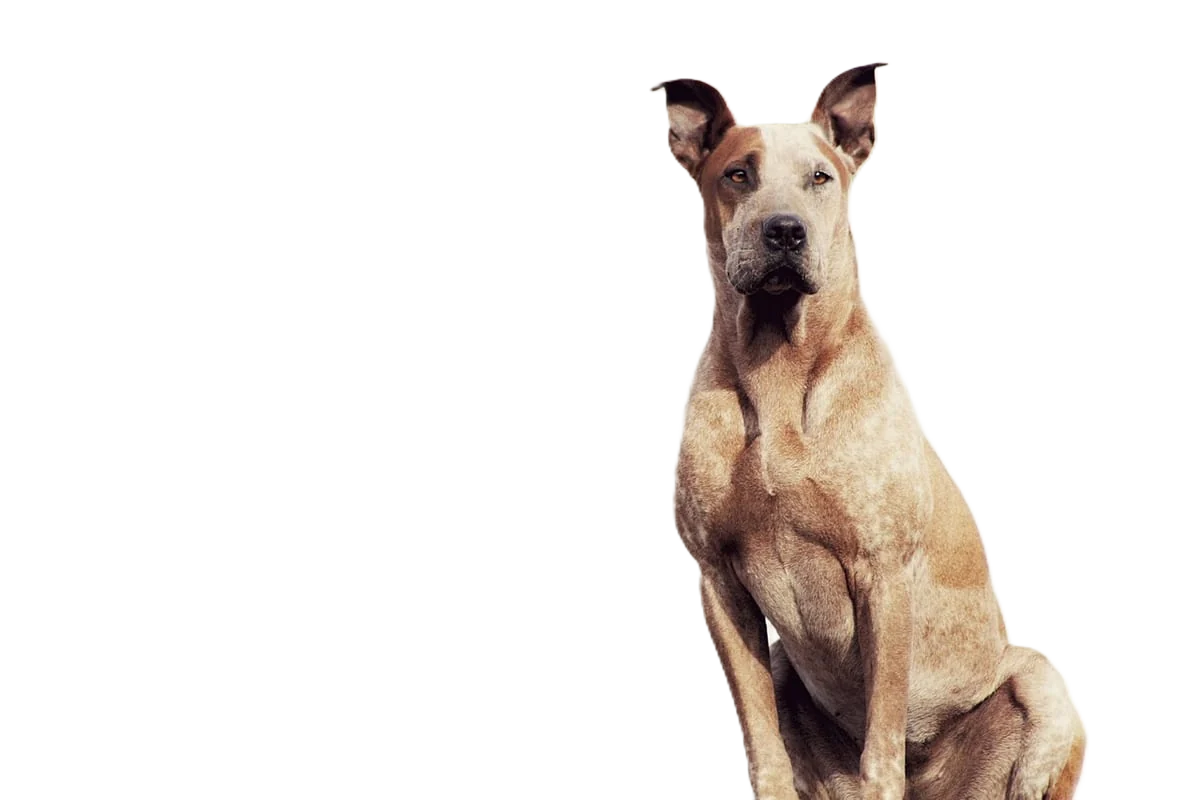
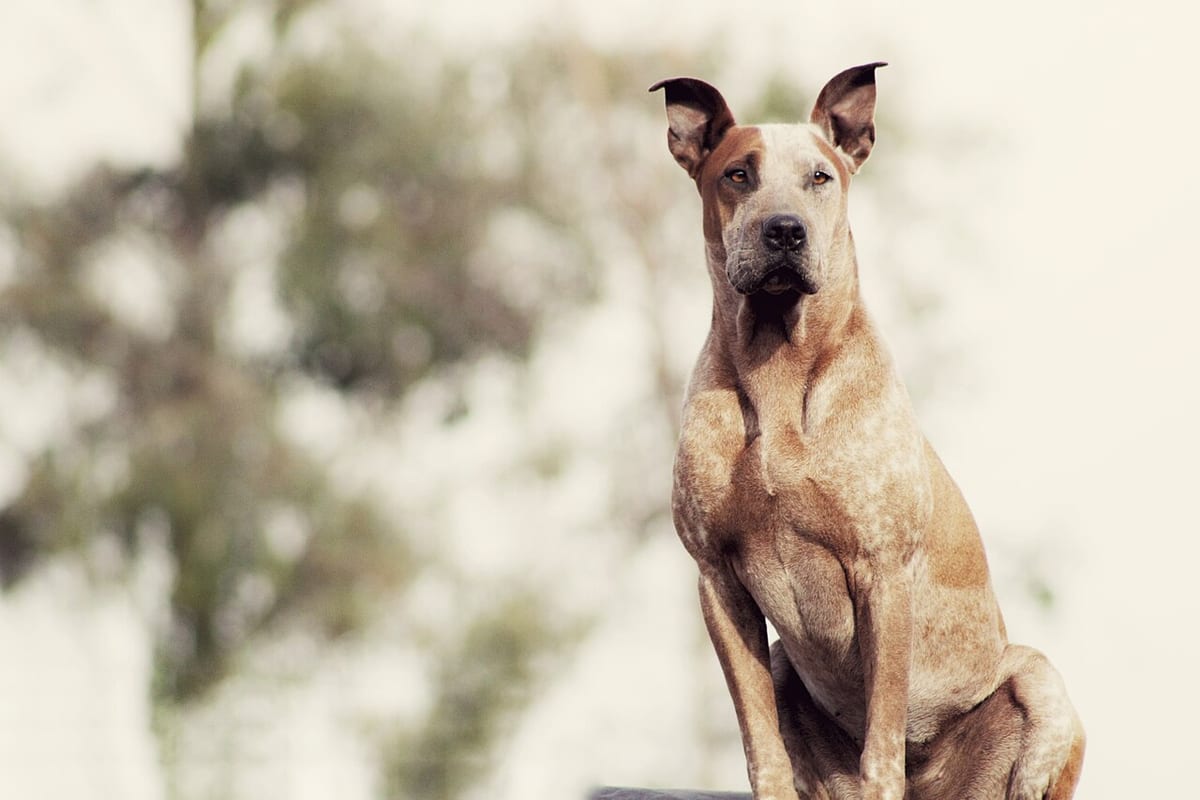
Remove the background from pet photos
Fur is the hard part: soft edges, stray hairs and whiskers blend into whatever is behind them. Shoot your pet in daylight against a plain background that contrasts with the coat, and the cutout keeps those edges. Then use it where it helps: a portrait or sticker, a cleaner adoption photo (Petfinder allows up to 6 photos per pet), or a pet product listing, where marketplaces have their own background rules.
Developers: one API callor drop a file, paste image Ctrl/⌘+V or
Processed on our servers. Previews are deleted right after.
No image?
Try one of these:
At a glance
| Petfinder listing | Up to 6 photos and 1 video per pet; horizontal photos display better |
|---|---|
| Petfinder background advice | Plain backgrounds; lighter behind dark coats, darker behind light coats |
| Amazon main image (pet products) | Pure white background, RGB 255, 255, 255; product fills 85% or more of the frame |
| Etsy listing photos | 2000 px or more wide and tall recommended; transparent PNGs aren't supported and show black |
| Etsy authenticity rule | At least one unedited photo of the actual item against a real background |
How to do it
- Shoot for the cutoutUse daylight from a window or outdoors and skip the flash, which makes eyes glow and flattens fur. Get down to your pet's eye level, use a fast shutter or burst mode, and pick the frame where the eyes are sharp. A plain wall or sheet that contrasts with the coat gives the cleanest edge.
- Remove the background and check the furRemove the background, then zoom in on ears, tail, paws and whiskers. Fine fur should fade softly, not end in a hard line. If a patch of carpet or couch stayed in, reshoot against a plainer background; it is quicker than fixing it by hand.
- Export for the jobKeep a transparent PNG for portraits, stickers, cards and collages. For a shelter profile or a shop listing, put a solid background behind it and download a JPG, since many sites don't show transparency.
Tips and common mistakes
- Black cat on a dark couchLow contrast between coat and background is the most common reason a fur cutout fails. Move a dark pet to a light wall, and a white dog to a mid-grey or coloured background, before you shoot.
- Adoption photos: keep them honestA clean background helps a shelter pet stand out, but keep at least one photo in a real setting that shows size and temperament. Avoid shooting through bars or chain-link: Petfinder notes it makes pets look trapped.
- Pet portraits and giftsFor a printed portrait, mug or blanket, start from the largest original photo you have. A cutout from a cropped phone screenshot looks soft once it's printed at size.
- Pet shop products on whiteFor collars, toys and beds on Amazon, the main image needs a pure white background with the product filling 85% or more of the frame. On Etsy, upload a solid background instead of a transparent PNG, and keep one unedited photo.
- Several pets in one photoKeep them close together so they're cut out as one subject. Pets standing apart with background visible between their legs or bodies take more checking.
Questions
Can it keep fur and whiskers?
Soft fur usually comes through well when the coat contrasts with the background. Thin whiskers against a similar colour are the hardest part; a plainer, contrasting background fixes most cases.
What makes a good adoption photo?
Natural light, eye level, sharp eyes, and both a head shot and a full-body shot. Petfinder allows up to 6 photos and 1 video per pet, and horizontal photos display better there.
Why did my pet's transparent photo turn black on Etsy?
Etsy doesn't support transparent PNGs and shows transparent areas as black. Add a solid background colour and upload a JPG.
Can I put my pet on a white background for a product listing?
Yes. For an Amazon main image, the background must be pure white (RGB 255, 255, 255). Other platforms are more flexible, but white or a plain neutral is always safe.
How do I make a sticker of my pet?
Cut the pet out, add a white outline, and export at the app's size, for example 512 x 512 px WebP under 100 KB for WhatsApp.
Try it on your own image
New accounts get 50 free credits. One credit per image, no subscription, and credits never expire.
Remove a backgroundSources
- Petfinder: Tools for great pet listings
- Petfinder: Dog photography tips to help get shelter dogs adopted
- Amazon Seller Forums (Amazon staff): Product image requirements and best practices
- Etsy Help: Requirements and best practices for images in your Etsy shop
- WhatsApp on GitHub: Sticker app requirements (WhatsApp/stickers)
Updated October 23, 2026