
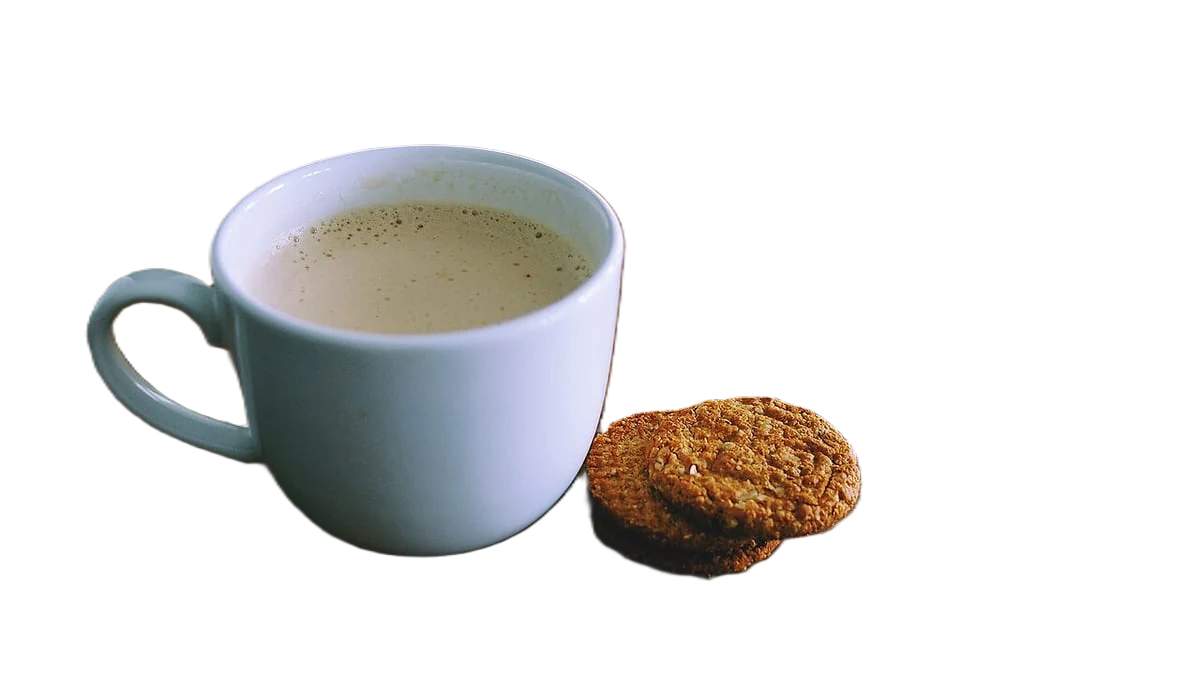

Make an image background transparent
Transparency lives in the alpha channel, a fourth value per pixel that says how opaque it is. PNG and WebP store it; JPG has no alpha channel, so a JPG always has a solid background. Remove the background, download PNG or WebP, and check the result on a dark page, not on white, where leftover white edges and fake checkerboards hide.
Developers: one API callor drop a file, paste image Ctrl/⌘+V or
Processed on our servers. Previews are deleted right after.
No image?
Try one of these:
At a glance
| PNG | Full alpha transparency, lossless; the standard choice for cutouts |
|---|---|
| WebP | Transparency in lossless and lossy modes; lossy with alpha is typically about 3x smaller than PNG |
| JPG / JPEG | No alpha channel: transparent areas are filled with a colour on save |
| GIF | One colour can be fully transparent; no soft or partial edges |
| AVIF | Supports an alpha channel |
| Etsy | Transparent PNGs aren't supported; transparent parts appear black |
How to do it
- Upload the original imageUse the full-size original, not a screenshot or a copy saved from a chat app. More pixels give smoother edges, and the cutout can't add detail that isn't in the file.
- Remove the backgroundLeave the background set to transparent. Check thin parts at full zoom (hair, straps, handles, gaps between arms and body), since those are where leftover background shows.
- Download PNG or WebPChoose PNG for the widest support, in slides, documents, design tools and print. Choose WebP for websites, where it keeps transparency at a smaller file size. Don't convert the result to JPG, or the transparency is gone.
Tips and common mistakes
- How to check that it is really transparentOpen the file in a browser tab with a dark theme, or place it on a black slide. A real transparent image shows the dark colour through it. If you see white, grey or a checkerboard, the background is still in the pixels.
- The fake checkerboardEditors draw a grey and white checkerboard to show transparent areas. Some downloaded "transparent PNGs" have that pattern painted into the image. If the checkerboard moves with the image when you drag it, it's fake.
- Screenshots and copy-paste lose itA screenshot captures what's on screen, including whatever is behind the image. Some apps also paste images as flattened copies. Save and insert the file itself.
- Where transparency is flattenedMany upload forms, marketplaces and social apps convert images to JPG or put them on a colour. Etsy shows transparent areas as black. For those, pick the background colour yourself and upload a JPG.
- Soft edges are partial transparencyGood cutouts fade over a pixel or two at the edge instead of stopping hard. That needs a full alpha channel, which PNG and WebP have and GIF doesn't, so GIF cutouts look jagged.
Questions
Can a JPG have a transparent background?
No. JPG has no alpha channel. Save as PNG or WebP to keep transparency.
Why does my transparent PNG show a white or black background?
Either the app you uploaded it to flattened it, as Etsy does with black, or the background was never removed from the pixels. Test the file on a dark page to tell which.
PNG or WebP for a transparent image?
PNG works everywhere and is lossless. WebP keeps transparency at a fraction of the size (Google cites about 3x smaller than PNG for lossy WebP with alpha), which suits websites.
Is the checkerboard part of my image?
In an editor or preview, no: it's how transparency is displayed. If the checkerboard still shows when the image is placed on a coloured page, it was painted into the file.
How many images can I make transparent at once?
removebackground.dev handles up to 100 images in one bulk run, at 1 credit each. New accounts get 50 free credits, and failed images are free.
Try it on your own image
New accounts get 50 free credits. One credit per image, no subscription, and credits never expire.
Remove a backgroundSources
Updated October 23, 2026